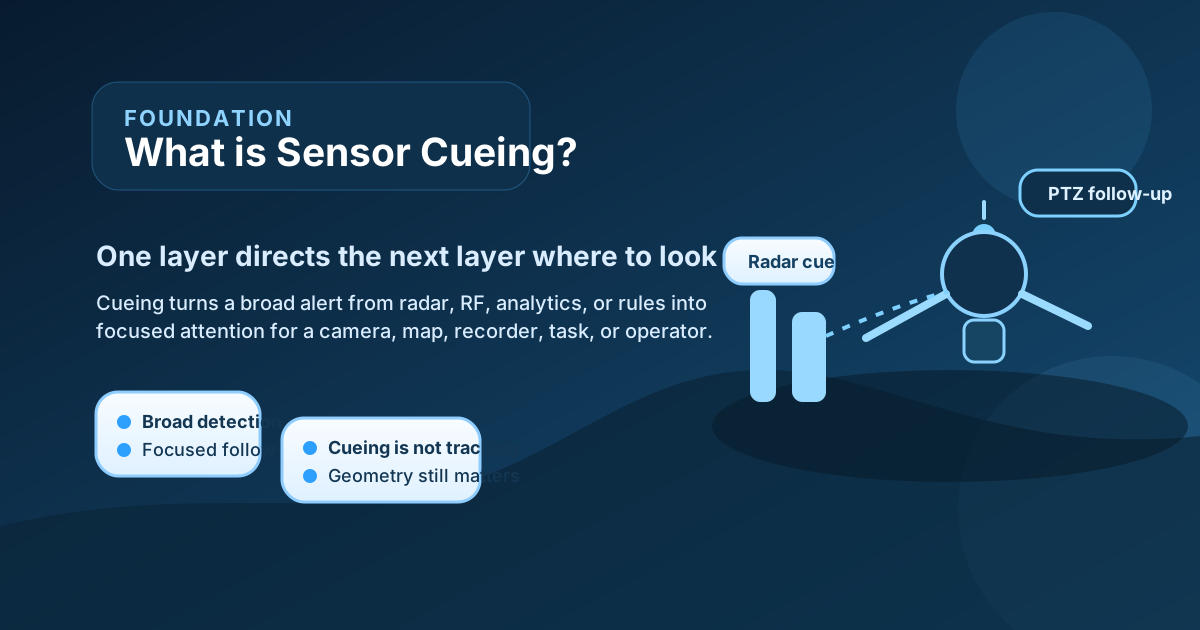
What is sensor cueing? In simple terms, it means one sensor, rule, or event source tells another sensor where to look, when to look, or what to do next. A radar alert may cue a PTZ camera toward a moving object. An RF detection may cue an operator or an EO/IR system toward a suspected launch area. A rule in a command platform may cue a map, alarm workflow, or recorder to focus on a specific zone.
That is why cueing matters in layered surveillance. Many systems are good at different jobs. One sensor may be good at broad-area detection. Another may be better at close visual verification. Another may be best at identifying the control signal or operator position. Cueing helps those different layers work together instead of operating as disconnected tools.
Axis documents this clearly in a practical radar-to-camera example. Its Radar Autotracking for PTZ manual says the radar measures the absolute distance and speed of moving objects and the application calculates the best pan, tilt, and zoom settings for PTZ cameras based on their location and current view. Axis also describes radar-video fusion products where radar-based motion detection is fused with the image plane and used for analytics and event handling. Those examples are vendor-specific, but the underlying concept is general. Cueing is the bridge between sensing layers.
So the short answer is this: sensor cueing is the process by which one source of information triggers another sensing or response action. The practical question is how accurately, how quickly, and how usefully that handoff happens.
What Sensor Cueing Actually Means
At the beginner level, cueing means directed attention.
The system already has some reason to care about a location, object, or event. Instead of asking every sensor to search everything all the time, cueing tells a second sensor or workflow where to focus.
That cue can come from several sources:
- a radar detection,
- an RF signal event,
- a geofence breach,
- analytics on a fixed camera,
- an access-control alarm,
- or even a rule written in the command platform.
The receiving sensor or subsystem may then:
- slew toward a location,
- zoom into a sector,
- change mode,
- start recording,
- trigger an operator alert,
- or create a task inside the workflow.
This is why cueing should be understood as a relationship rather than a device type. A camera is not “a cueing sensor” by nature. A radar is not “a cueing sensor” by nature. Cueing describes how information moves from one layer to another.
For beginners, the safest mental model is this: cueing takes a broad hint from one source and turns it into a more focused action somewhere else in the system.
How Cueing Works in a Real System
Most practical cueing workflows unfold in stages.
First, a source event is generated. For example, radar detects a moving object, or analytics mark unusual motion in a protected zone.
Second, the system decides whether the source event is strong enough to act on. This step matters because not every alert deserves a handoff. Cueing based on weak or noisy signals can create constant false movements and operator fatigue.
Third, the source event is translated into something the next sensor or subsystem can use. In a radar-to-PTZ workflow, that might mean converting the radar’s range, speed, and position into pan, tilt, and zoom instructions that account for camera location and current view. Axis describes exactly this kind of process in its Radar Autotracking for PTZ documentation.
Fourth, the receiving sensor acts. A PTZ camera slews. A workflow opens a task. A recorder starts a focused clip. A map highlights the relevant sector. The system may also keep updating the handoff if the target continues to move.
Fifth, the operator or next subsystem uses the new information for verification, tracking, escalation, or response.

Figure: Synthesized explainer showing how one source event is translated into directed attention for another sensor or workflow layer.
This is why cueing is often more important operationally than it first sounds. It is not just an automation trick. It is the mechanism that turns many sensors into a cooperative system.
Cueing Is Not the Same as Tracking
This distinction matters because the words are often blurred together.
Cueing starts or redirects attention.
Tracking maintains attention over time.
A radar may cue a PTZ camera toward a moving object. Once the camera has acquired that object and continues following it, the system has moved from cueing into tracking behavior.
Axis makes this distinction practical in its PTZ autotracking documentation. The cue originates from radar measurements, but the camera behavior then follows priorities such as tracking the same object and minimizing unnecessary movement. That is more than a one-time look; it becomes a managed follow-on task.
For a beginner, the safest rule is:
- cueing tells the system where to look,
- tracking keeps looking once the object is acquired.
This matters in architecture discussions because a system can support cueing without supporting robust autonomous tracking, and it can support tracking only after a strong cue is already available.
Why Cueing Matters in Layered Surveillance
Cueing matters because not every sensor should do every job all the time.
A wide-area sensor such as radar is often better at detection and early awareness. A PTZ or EO/IR system is often better at verification and detail. An RF system may contribute control-link or emitter context. A command platform may contribute policy logic, geofences, or approved-operation context.
Cueing helps these layers work together in a more efficient sequence:
- detect broadly,
- cue precisely,
- verify or track,
- and then decide what to do next.
Without cueing, operators may have to manually search a large area after every alert. That slows response and increases workload. With good cueing, the second sensor starts closer to the right answer. It may still need human confirmation, but it does not start from zero.
This is one reason cueing is so useful in:
- perimeter surveillance,
- counter-UAS systems,
- port or shoreline monitoring,
- temporary deployment systems,
- and multi-sensor command platforms.
The bigger and more dynamic the scene, the more valuable directed handoff becomes.
What Makes Cueing Good or Bad
Not all cueing is useful. Several practical factors determine whether the handoff helps or hurts.
Geometry
The receiving sensor must actually be able to view the cued area. A camera cannot confirm what its line of sight does not cover. A radar cue outside the camera’s field or behind an obstacle creates frustration, not awareness.
Axis notes this directly in its radar-video fusion guidance: if an object is outside the camera’s field of view, the fusion camera cannot fuse detections or classifications into the image plane. That is a very practical beginner lesson. Cueing depends on geometry.
Calibration and Alignment
Radar position, camera position, and coordinate mapping must be aligned well enough for the handoff to land in the correct place. Small calibration errors can make the cue seem unstable or unreliable.
Timing
A cue that arrives too late can be operationally weak. In dynamic scenes, seconds matter. If the second sensor moves after the target has already shifted away, the handoff produces little value.
Confidence Logic
The system needs rules for when to cue and when not to cue. Over-cueing based on weak detections can create constant camera movement, poor operator trust, and missed real events.
Priority Handling
Axis documentation shows that radar autotracking systems may use priorities such as continuing to track the same object, minimizing unnecessary movement, and ensuring each object is covered if possible. This highlights a core cueing reality: when multiple targets compete, the system needs priority logic.
Human Workflow
Good cueing should help the operator, not replace operator understanding blindly. Users may need override control, pause logic, return-to-home behavior, or confirmation steps depending on the mission.

Figure: Synthesized factor map showing why cueing quality depends on geometry, calibration, timing, confidence logic, target priority, and operator workflow.
For beginners, the lesson is simple: cueing quality is a workflow-and-geometry problem, not only a software checkbox.
Common Cueing Patterns
Several cueing patterns appear again and again in real systems.
Radar to PTZ or EO/IR
This is one of the clearest patterns. Radar detects movement over a broad area and cues the camera toward the relevant sector for visual verification.
Analytics to Recording or Alarm Workflow
An analytics event can cue an operator display, start focused recording, or generate a priority incident.
RF Event to Visual Inspection
An RF detection can cue a camera or operator toward the likely launch or controller area, even if the RF layer itself is not a visual sensor.
Policy or Geofence Rule to Escalation
A platform can cue the workflow, not only a physical sensor. For example, an object entering a protected area may cue a map highlight, task creation, or escalation path.
These patterns all follow the same logic: one source creates focused attention somewhere else.
Common Mistakes
Several misunderstandings appear repeatedly.
“Cueing means the system fully understands the target”
No. Cueing only redirects attention. Verification still has to happen.
“Cueing and tracking are the same thing”
No. Cueing starts the handoff. Tracking maintains it.
“If one sensor can cue another, the workflow is solved”
No. Geometry, calibration, timing, and operator logic still determine whether the handoff is useful.
“Automation always improves cueing”
No. Weak automation can create excessive slewing, alert fatigue, and poor trust.
“Cueing is only a camera feature”
No. Cueing can target sensors, alarms, recording, maps, tasks, or other workflow elements.
What This Means in Practice
For a beginner, the best mental model is this: sensor cueing is how a system tells the next layer where to pay attention.
If you are evaluating a cueing workflow, useful questions include:
- what event creates the cue,
- how accurate the handoff is,
- whether the receiving sensor can actually see the target area,
- how the system handles multiple targets,
- what operator override exists,
- and whether the cue improves verification speed without creating extra noise.
These questions are more useful than simply asking whether the system supports cueing. Many systems can trigger a handoff in some form. Fewer systems do it reliably enough to improve real operations.
This is also why cueing is central to layered surveillance. It is the handoff mechanism that lets one sensing layer make another layer more effective. When it works well, the system feels coordinated. When it works badly, the system feels noisy and fragmented.
Conclusion
Sensor cueing means one sensor, event source, or rule directs another sensor or workflow layer to focus on a specific object, area, or action. It is the bridge between broad detection and more precise verification, tracking, or response.
The key takeaway is that cueing is not the same as full understanding. It is a focused handoff. Good cueing depends on geometry, calibration, timing, priority rules, and operator workflow. When those pieces are aligned, cueing becomes one of the most valuable features in a layered surveillance system.