
A counter-UAS radar datasheet can be helpful, but only if it says more than a maximum range number. Many sheets look technical because they include frequency band, range, weight, power, and operating temperature. The real procurement question is whether those values are tied to target assumptions, site conditions, outputs, interfaces, and acceptance evidence.
This checklist helps buyers read a supplier datasheet or request a better one. It does not prescribe one perfect radar. It shows which fields should be visible so that competing systems can be compared fairly.
Product Identity and Configuration
Start by making sure the datasheet describes a specific configuration, not a loose product family.
Check for:
- model name and hardware revision;
- antenna or array configuration;
- software and firmware version;
- optional modules included or excluded;
- fixed, mobile, mast, rooftop, or vehicle deployment assumptions;
- supported accessories such as tripod, mast, cabinet, EO/IR, or RF unit;
- export or regional variants if applicable.
If the supplier changes antenna, firmware, processing computer, or enclosure between demo and delivery, the datasheet should say how configuration control is handled.
Target and Range Assumptions
The most important datasheet section is often the one that is missing: what target supports the range claim?
For every detection or tracking range, ask for:
- target class, such as consumer quadcopter, FPV drone, fixed-wing UAV, or larger multirotor;
- target size or radar cross section assumption;
- target altitude and speed range;
- approach geometry, such as inbound, crossing, hovering, or receding;
- probability of detection or confidence threshold;
- false-alarm or nuisance-alarm condition;
- environment, such as open field, urban clutter, water background, or industrial site.
“Detects drones up to 10 km” is not enough. A better datasheet separates first detection, stable track, actionable alarm, and any verification distance.
Coverage and Scan Architecture
Range alone does not describe surveillance performance. The datasheet should also explain how the radar covers space.
Check:
- horizontal field of regard or azimuth coverage;
- elevation coverage and height measurement limits;
- whether the radar is fixed sector, rotating, multi-face, or mechanically steered;
- update rate or revisit time for the stated coverage;
- track capacity and behavior under multiple targets;
- blind-zone or minimum-range limits;
- whether 360-degree coverage requires one unit or several units;
- how overlapping sectors are fused if multiple radars are used.
This section prevents a common error: assuming a single range number also guarantees continuous coverage in every direction.
Detection, Tracking, and Alarm Outputs
A datasheet should show what the radar actually outputs to the operator or platform.
Look for:
- target position and coordinate format;
- range, azimuth, elevation, height, speed, heading, and track ID;
- track quality or confidence indicators;
- update interval and timestamp source;
- zone alerts and rule configuration;
- track history, logs, and replay;
- output behavior during target loss or reacquisition;
- export formats for acceptance evidence.
If the project needs EO/IR cueing, the output must be accurate, fresh, and stable enough for the camera to turn to the right place in time.
Accuracy and Resolution
Accuracy claims need context. A datasheet should not only list a best-case number without saying under what conditions it applies.
Ask for:
- range accuracy;
- azimuth and elevation accuracy;
- height accuracy if height is provided;
- range and angle resolution where relevant;
- track smoothing or latency effects;
- calibration requirements;
- coordinate alignment process at installation.
Accuracy should be understood as part of a system workflow. A radar that only needs to alert an operator has different requirements from a radar that must cue a narrow-field EO/IR payload.
False Alarms and Clutter Handling
Counter-UAS radar works near the ground, where birds, vehicles, trees, cranes, water, rain, and moving machinery can affect performance. A useful datasheet should not pretend clutter does not exist.
Check whether the supplier describes:
- clutter environments tested;
- bird and drone discrimination approach;
- speed, size, confidence, or zone filters;
- rain, wind, and moving vegetation behavior;
- site tuning process;
- operator controls for sensitivity and alarm rules;
- log review method for false-alarm investigation.
Avoid datasheets that promise “no false alarms” without test conditions. The better question is how the system manages nuisance behavior while preserving sensitivity to small drones.
Interfaces and Integration
Many counter-UAS radar projects fail at integration rather than detection. The datasheet should explain how data leaves the radar and enters the operating workflow.
Check:
- network interfaces and supported protocols;
- API, SDK, message schema, or track output format;
- time synchronization method;
- coordinate reference and georeferencing method;
- EO/IR cueing support;
- RF, Remote ID, VMS, C2, or PSIM integration options;
- cybersecurity controls, user roles, and logging;
- behavior during network loss and reconnection.
If the supplier uses words such as “open interface,” ask for the actual protocol description, sample messages, and integration responsibilities.
Mechanical, Power, and Environmental Limits
The datasheet should also tell the installer whether the system can survive the real site.
Review:
- dimensions and weight;
- mounting pattern and bracket options;
- power input, peak power, average power, and grounding;
- network requirements and cable limits;
- ingress protection, temperature, humidity, wind, corrosion, and lightning considerations;
- cooling or heater requirements;
- maintenance access;
- transport and storage limits.
These details affect mast design, rooftop loading, power planning, and site acceptance readiness.
Testing, Acceptance, and Evidence
A procurement-grade datasheet should connect specifications to test evidence. It should help the buyer understand what can be proven in factory acceptance and what must be proven on site.
Ask for:
- FAT checklist;
- SAT recommendations;
- test target assumptions;
- configuration and version records;
- sample logs, screenshots, and exported tracks;
- calibration records;
- pass/fail criteria for detection, tracking, alarms, and cueing;
- deviation and retest process.
If a number cannot be tested or supported with evidence, it should be treated as a marketing claim rather than a procurement commitment.
Support and Lifecycle Fields
Finally, check whether the datasheet or supporting document covers lifecycle expectations.
Useful fields include:
- warranty period and exclusions;
- software update policy;
- spare-part availability;
- remote support method;
- on-site support options;
- operator and maintainer training;
- documentation language and revision control;
- recommended inspection and maintenance schedule.
These items may not look like radar specifications, but they determine whether the radar remains useful after the first installation.
Red Flags in a Datasheet
Be cautious if a datasheet:
- gives one maximum range with no target assumption;
- mixes detection, tracking, confirmation, and identification into one line;
- omits update rate or coverage angle;
- has no false-alarm or clutter discussion;
- claims integration but provides no protocol detail;
- lists environmental ratings without mounting and grounding requirements;
- has no FAT, SAT, log, or evidence path;
- does not identify the exact hardware and software configuration.
One missing field may be explainable. Many missing fields usually mean the buyer must ask more questions before comparing price.
Conclusion
A good counter-UAS radar datasheet is not a brochure table. It is a technical promise tied to assumptions, configuration, outputs, integration, installation, testing, and support. The buyer should be able to see what the radar claims, under what conditions, how the data is delivered, and how the claim can be verified.
When every supplier answers the same datasheet checklist, procurement becomes much clearer. Range claims become testable, integration risks become visible, and the final decision can focus on real operational fit rather than the most impressive headline number.
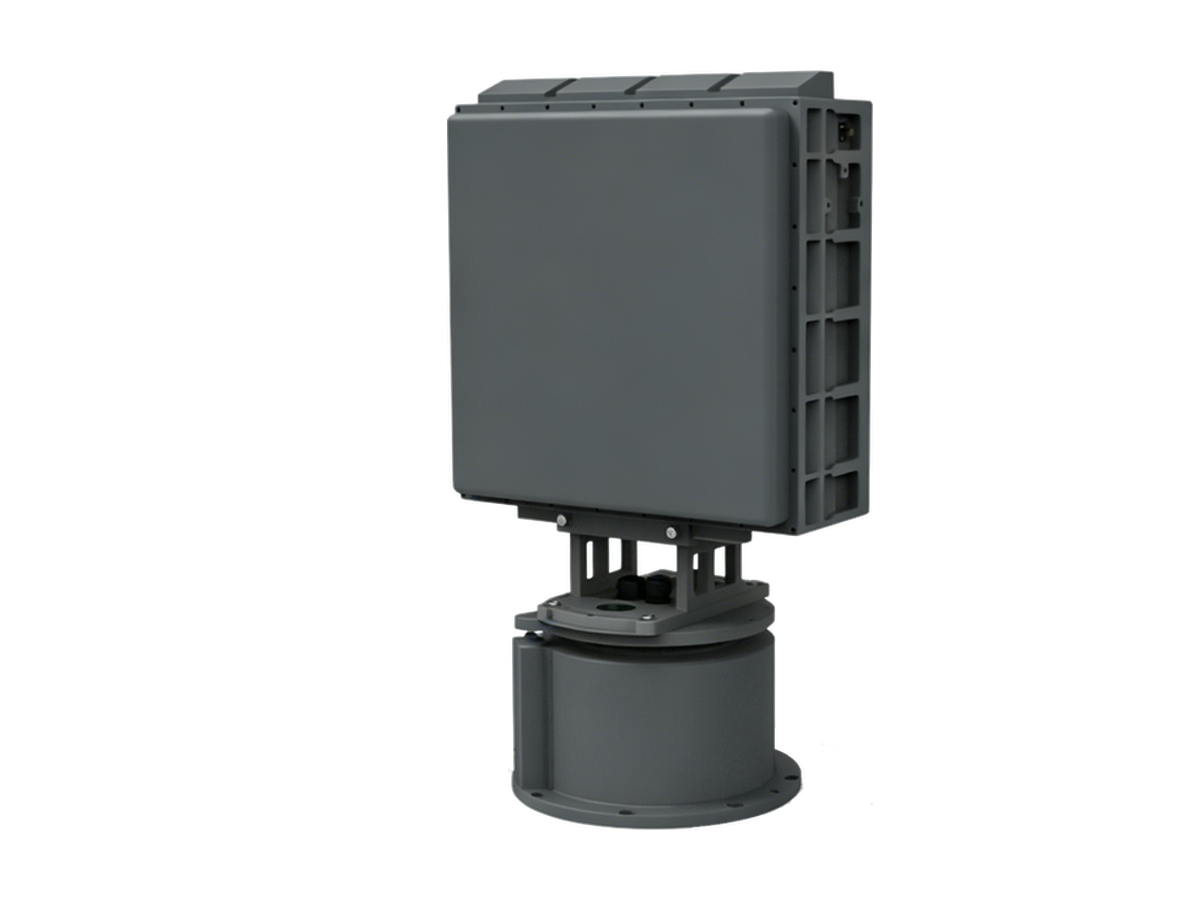
Need Counter-Drone Radar for Your Site?
CR series low-altitude surveillance radars detect RCS 0.01 m² drones at 3–10 km and classify targets by micro-Doppler — every track outputs with target class and confidence.